 Skip to content
privacy
Why the voice check comes BEFORE recognition, not after
An app that listens to a microphone owes you an explanation of what it does with other people’s speech. Here it is discarded BEFORE any words come out of it — and that is an order of steps, not a promise.
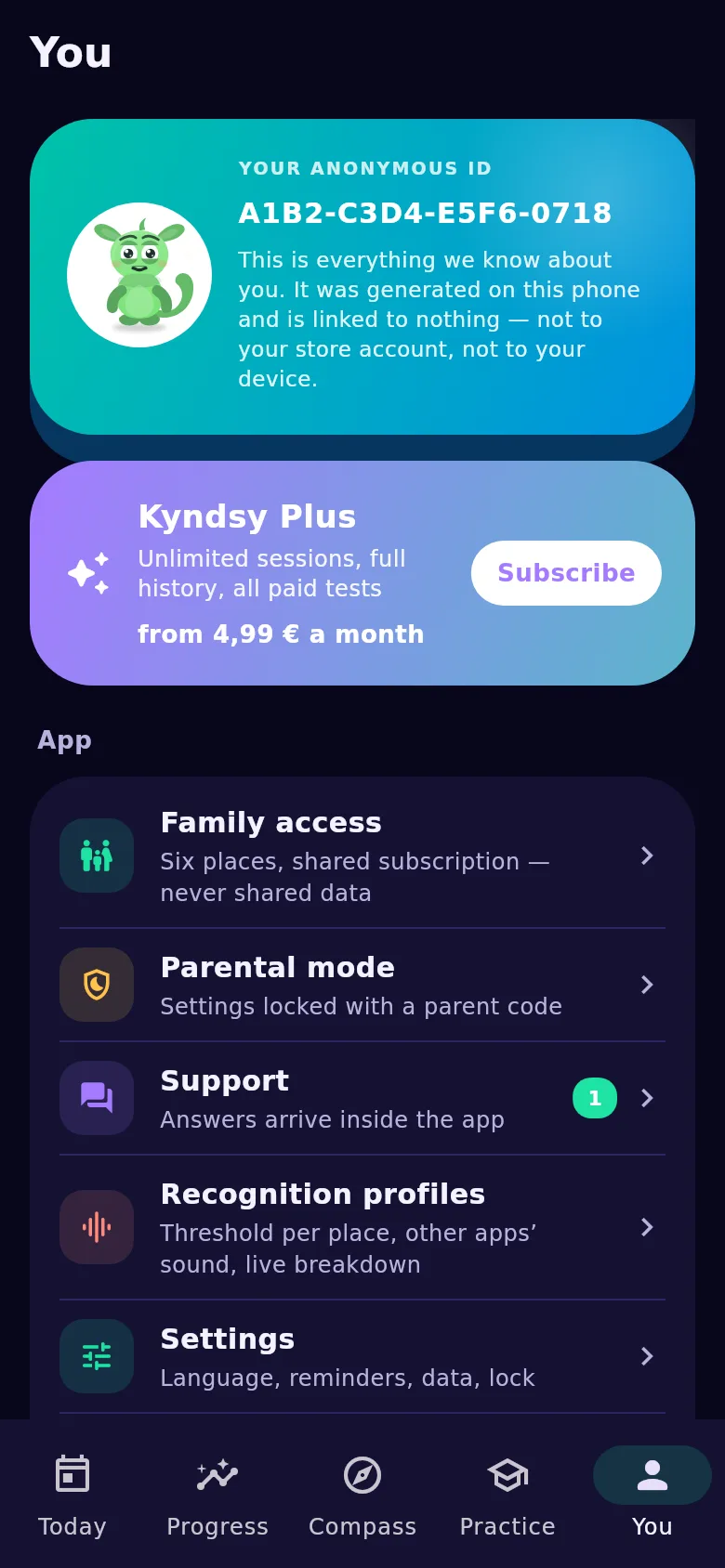
Any app can write “we do not analyse the people around you”. There is no way to check a sentence. So in Kyndsy the promise is held not by text but by order: the voice check runs before recognition, and speech that is not yours is discarded before any words come out of it.
The voice profile is biometric data, and it is treated as such
To tell your speech from anyone else’s, the app stores a numeric fingerprint of your voice. Under Article 9 of the GDPR that is biometric data, so consent is asked explicitly — and after the explanation of why it is needed, not before.
The profile never leaves the phone and is excluded from backups. You can delete it in settings at any moment; without it the app cannot tell your speech from anyone else’s and the counters lose their meaning — which the screen says plainly.
What leaves the phone and what does not
Four things leave, and no more: a settings request, a one-off model download, a support message (if you wrote one) and a subscription receipt. The app has no account.
A fifth is the AI review, and it never runs by itself: every request needs its own tap on a screen that says exactly what will be sent. What goes is a summary of numbers and your own notes where you wrote any. No audio, no transcripts, no speech history.
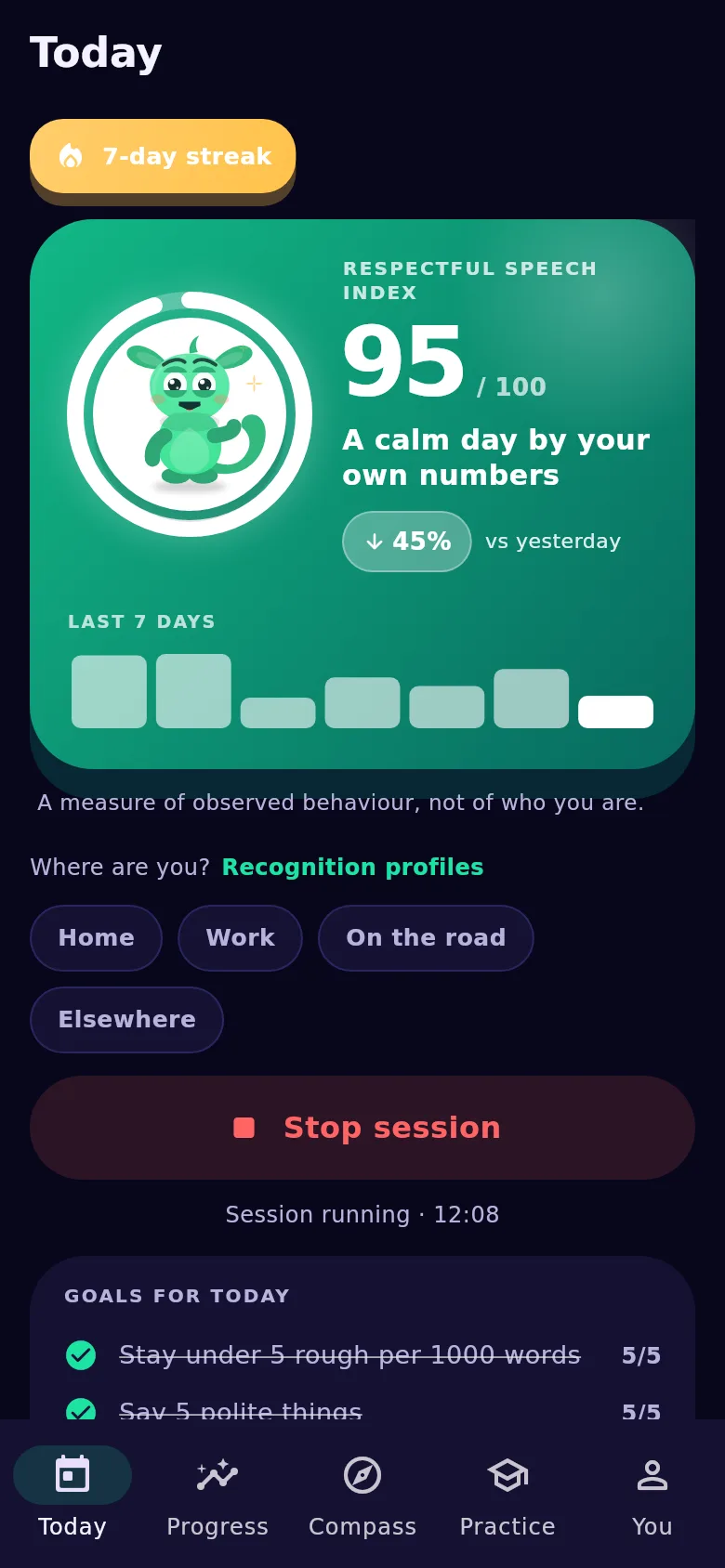
Who you are to the server
A pair of random numbers your phone made up: one you can quote to support, the other stays on the device and we hold only its hash. The server neither issues nor counts them — we have no install count, and that is deliberate.
Signing in with Apple or Google is optional and unlocks nothing: it exists only to move a subscription and history to another device. Exactly `sub` is read from the token and stored as a hash; the email is never read at all, including Apple’s relay address.
What the app does not do and will not do
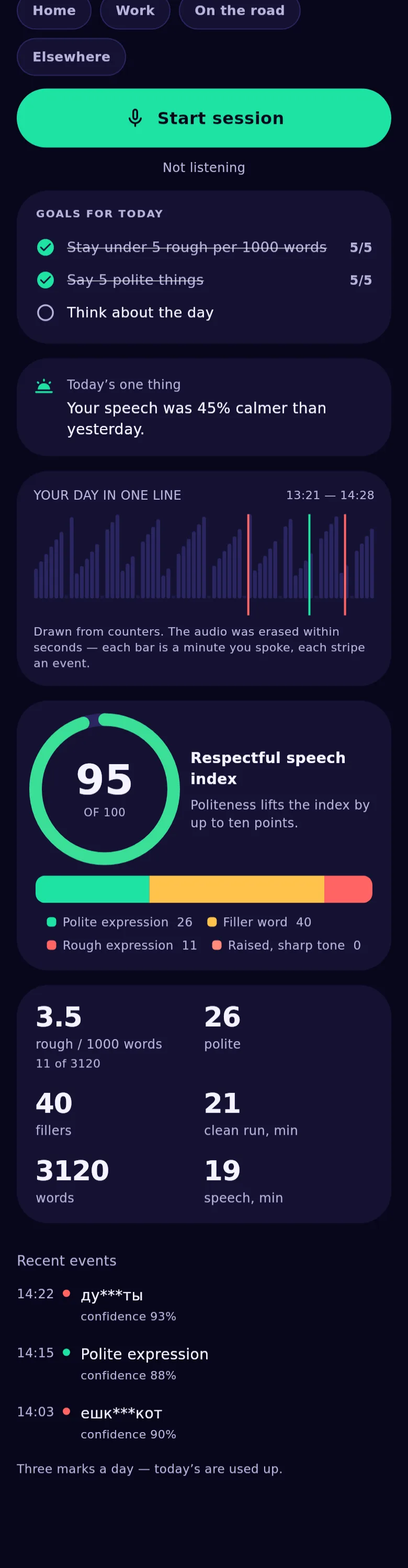
It never starts a session by itself: not after a reboot, not in the background. The microphone runs only during a session you switched on, and a notification with a stop button is visible the whole time.
It does not write audio — not to a file, not to a temporary buffer, not to a log, not even in a debug build. And it does not analyse the speech of the people you talk to: the guardian mode does not do it either, and there is one codebase for all builds.
One hundred ways to look at yourself
Reading about it is one thing. Ten of the tests are open right here — no install, no account, nothing saved.